How to Set Up an Ergonomic Desk for Under £100
Most desks get arranged in ninety seconds flat. The laptop lands wherever there is space, the chair stays at whatever height the last person left it, and the mug finds a spot beside the keyboard. Then you sit there for six hours and wonder why your neck is complaining by four o'clock.
Ergonomics has a reputation for being expensive. Standing desks, mesh chairs, gas-strut monitor arms — the good stuff does cost money. But the fundamentals are about angles and heights, and most of what you need to correct those is already in your home. Here is how to build a genuinely comfortable desk for under £100, in the order that makes the biggest difference to how you feel at the end of the day.
Measure first, spend second
Before ordering anything, sit at your desk as you normally do and check four things. Where does the top of your screen sit relative to your eyes? Are your feet flat on the floor? Are your elbows roughly at ninety degrees? Is there any point where your body is twisted, stretched or hunched to reach something?
Write the answers down, or take a photo of yourself side-on. It sounds daft, but a photograph shows more about your posture than any amount of good intentions. Almost everyone spots the same two problems: the screen is far too low, and the chair is set to a height that suited somebody else.
Raise the screen
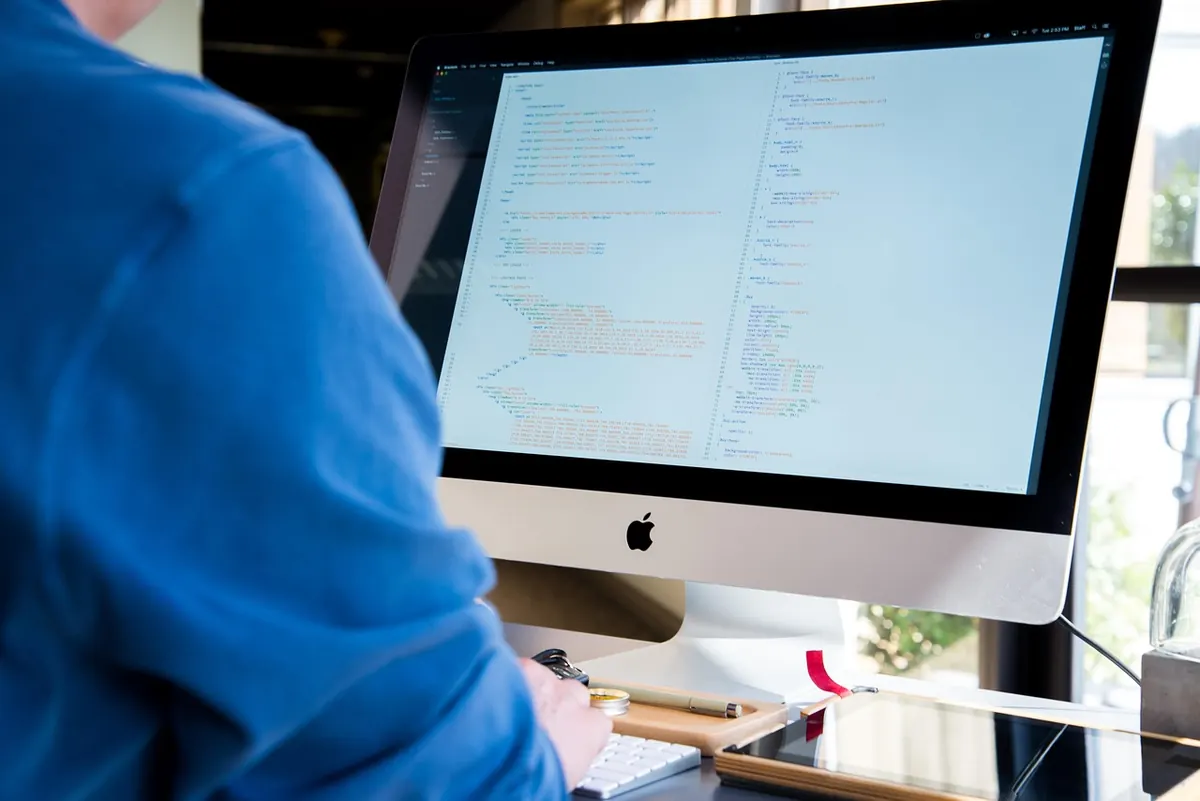
The top third of your screen should sit roughly at eye level, with the whole thing about an arm's length away and tilted back a fraction. That is the classic recommendation and it holds up for most people.
If you work on a laptop, this is the single biggest change available to you, because the screen and keyboard are welded together. Raise the machine and your hands go up with it; keep the keyboard comfortable and you spend the day looking down. The fix is to separate the two. Put the laptop on a stand, a box, a stack of recipe books or an upturned crate, then add a cheap wired keyboard and mouse.
If you wear varifocals
Progressive lenses change the calculation. Looking up through the reading section means tilting your head back, so plenty of varifocal wearers are more comfortable with the screen slightly lower and a little further away than the standard advice suggests. Your optician can tell you which zone of the lens you should be looking through at screen distance.
Fix the chair you already have
A new chair is where budgets vanish, and it is rarely the first thing to replace. Chair problems are usually setup problems.
Set the seat height so your feet rest flat on the floor and your thighs sit level or slope very slightly downwards. If the chair will not go low enough, a firm cushion under you helps. If it only goes too high, you need a footrest — a sturdy box or a stack of thick books does the job.
Then deal with your lower back. The backrest should meet the inward curve at the base of your spine, not the middle of your shoulder blades. If there is a gap, roll a towel or use a small cushion. Sit back into the seat rather than perching on the front edge. If the seat is so deep that the backrest never touches you, a cushion behind you effectively shortens it.
Wrists, elbows and desk height
Pull the keyboard and mouse close to the edge of the desk so you are not reaching. Elbows around ninety degrees, forearms roughly parallel to the surface, shoulders dropped away from your ears, wrists straight rather than bent up or down.
Wrist rests are for resting on, not typing on. If your wrists are planted on one while your fingers work, you have moved the problem rather than solved it.
Use them between bursts of typing, then lift your hands and let them float. A basic gel wrist rest or a mouse mat with a raised gel pad costs a few pounds and is worth trying. If your desk is too high and cannot be adjusted, a keyboard tray or a lower pull-out shelf is the cheaper way out. If it is too low, raise the chair and use a footrest to keep your feet supported.
Light, glare and the things people forget
Position the screen so your window is to the side rather than directly in front of or behind you. Facing a window makes you squint; having one behind you turns the screen into a mirror. Blinds or a cheap sheer curtain solve most of it.
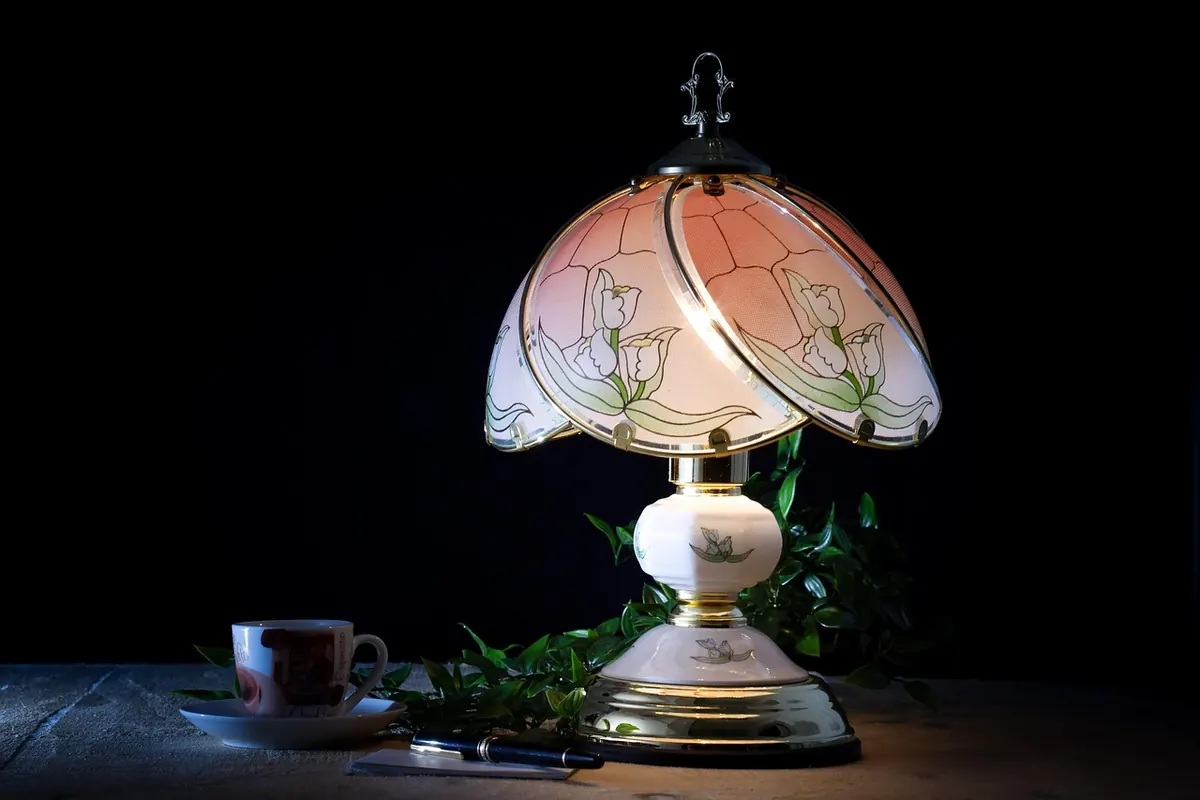
A desk lamp with an adjustable arm is one of the best small purchases you can make. Light the area around the screen rather than the screen itself, and keep a bare bulb out of your eyeline. Keep the things you use most — phone, notebook, mug — within easy reach so you are not twisting sideways twenty times a day. Cable clips cost almost nothing and stop the tangle from nudging your keyboard out of position.
A sensible shopping list
If you have the full £100, this is roughly where it goes:
- A laptop stand or simple riser — or free, if you have a box and some books
- A basic wired keyboard and mouse
- A gel wrist rest, or a mouse mat with wrist support
- A firm cushion, lumbar roll or rolled towel
- A footrest, or a sturdy box of the right height
- An adjustable desk lamp
- Cable clips and a small tray for clutter
None of it needs to be branded or beautiful. Buy the cheapest version that does the job, live with it for a week, and only upgrade the piece that is still annoying you. Do not spend the lot on a chair before you have raised the screen; you will feel the screen far more.
A ten-minute reset
- Raise the screen so the top sits at eye level, an arm's length away.
- Set the chair height, then add a cushion or footrest to match.
- Support your lower back and sit back into the seat.
- Bring the keyboard and mouse close, elbows near ninety degrees.
- Move the screen away from direct window glare and add a lamp.
Then do the part no equipment can do for you: change position. Stand up every half hour or so, look at something in the distance for twenty seconds, roll your shoulders and let your wrists hang loose. Comfort comes from variety as much as from angles.
If you finish the week with aching wrists, a sore neck or tingling fingers that will not settle, that is a conversation for a GP or a physiotherapist rather than a shopping list. A better desk helps a great deal, but it is not a substitute for proper advice.
Photo: Pexels / Pixabay